Angry Tiger Coloring cover

Puzzle game

Angry Tiger Coloring

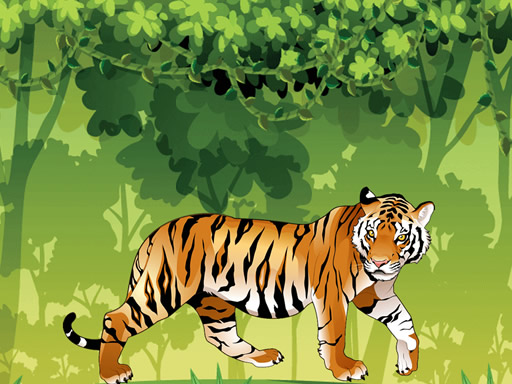
Fill eight tiger line drawings from a 23-colour palette, score on speed, and save the pictures you like.

Difficulty
Easy
Compatibility
See device support below

Game overview

Angry Tiger Coloring is a colouring book with a score attached. Eight line drawings wait to be filled from a palette of twenty-three colours, and the timer running in the background rewards choosing quickly and committing rather than agonising over shades. Finished pictures can be saved, which makes it a decent creative break for younger players and an easy few minutes for anyone who wants something with no fail state at all.

This title is best suited to young players and a relaxed creative break.

How to play Angry Tiger Coloring

  1. Pick one of the eight line drawings
  2. Choose a colour from the palette of twenty-three
  3. Tap an area of the picture to fill it
  4. Work quickly for a better score, then save the finished image

Controls

  • Tap / left mouse button: Fill the selected area with the chosen colour
  • Tap: Pick a colour from the palette
  • Save button: Download the finished picture

Objectives and failure conditions

Objectives

  • Colour all eight pictures
  • Finish each drawing quickly for a higher score
  • Save the artwork you want to keep

The run ends or fails when

  • Nothing ends the session, since a filled area can always be recoloured

Gameplay mechanics

  • Tap-to-fill colouring
  • Timed scoring on completion speed
  • Image saving

Device compatibility

Desktop browsers

Mouse or trackpad: Angry Tiger Coloring loads straight into the page on desktop Chrome, Edge, Firefox and Safari with no download or plugin. Controls used: Tap / left mouse button, Tap, Save button.

Phones and tablets

Touch controls: Angry Tiger Coloring is driven by pointer input, which maps to tap and drag on a touch screen.

Tips for Angry Tiger Coloring

  • Fill the largest background areas first for the quickest visible progress
  • Pick a two or three colour scheme before starting to avoid palette hunting
  • Leave fine details until the main shapes are blocked in

What worked well and what did not

Pros

  • No pressure and nothing to lose
  • Saving the artwork gives the session a result

Cons

  • Scoring on speed sits awkwardly with creative play
  • Only eight pictures to colour

Player comments

No published comments yet.