Desktop browsers
Mouse or trackpad: Fast Food Restaurant loads straight into the page on desktop Chrome, Edge, Firefox and Safari with no download or plugin. Controls used: Tap / left mouse button, Tap.

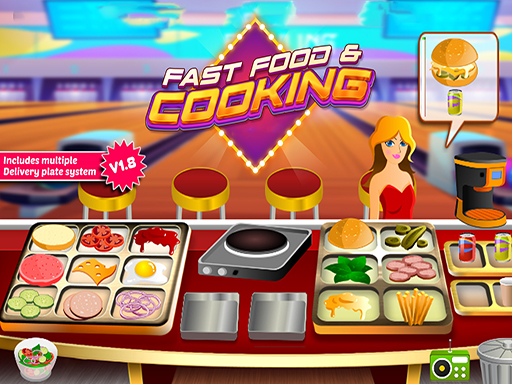
Cooking game
Serve fast food orders and reinvest the takings in equipment, staff and menu upgrades shift after shift.
Fast Food Restaurant is a cooking tycoon where the counter and the books both matter. You take orders, cook them across the stations, and put the takings back into equipment, staff and the menu so the next shift runs faster than the last. The interface is deliberately plain, which suits it: attention goes to the queue and the balance sheet rather than to animation, and growth is visible in how long a rush takes to clear.
This title is best suited to players who like tycoon-style upgrade loops with a service game attached.
Mouse or trackpad: Fast Food Restaurant loads straight into the page on desktop Chrome, Edge, Firefox and Safari with no download or plugin. Controls used: Tap / left mouse button, Tap.
Touch controls: Fast Food Restaurant is driven by pointer input, which maps to tap and drag on a touch screen.
No published comments yet.